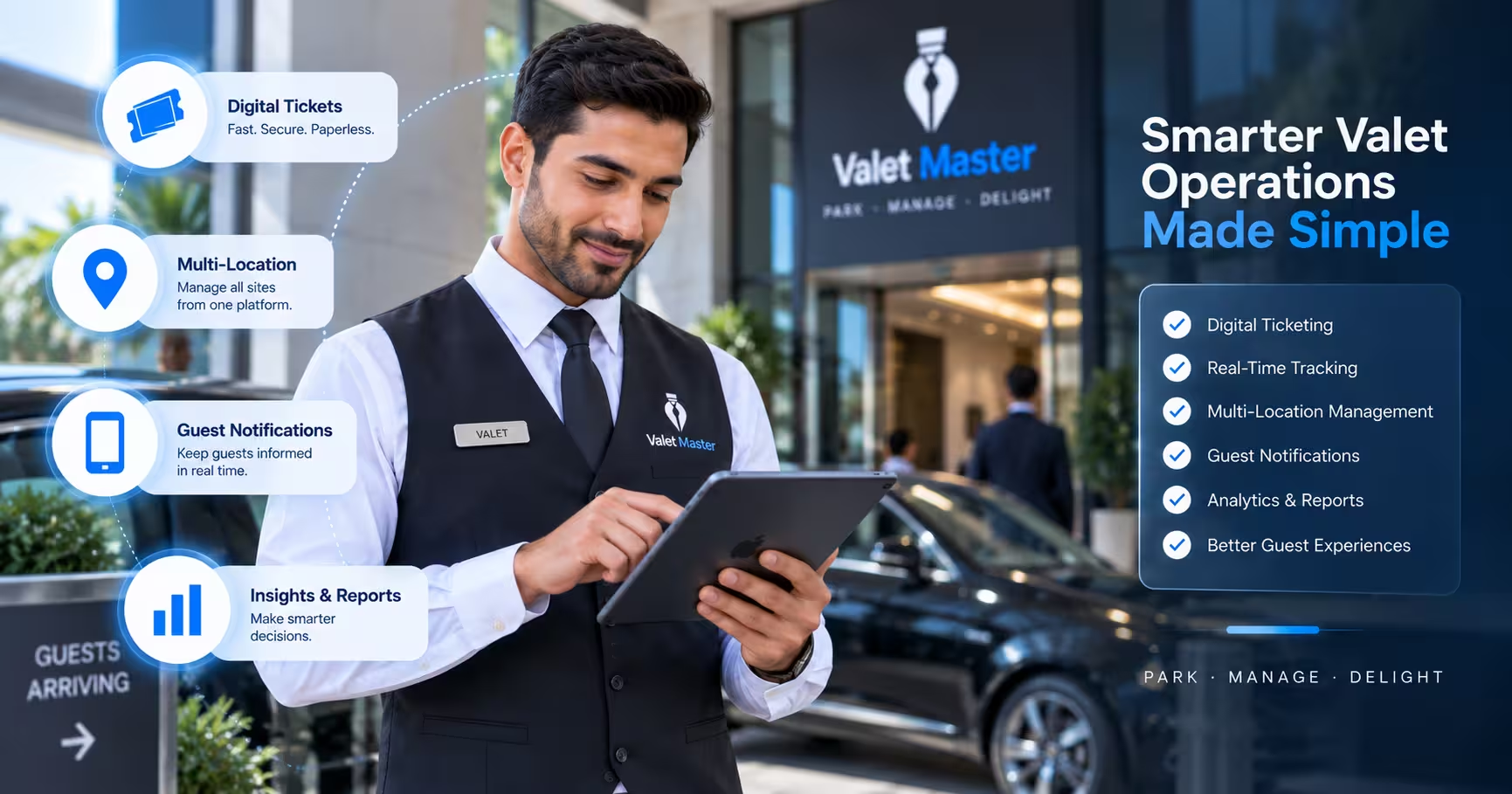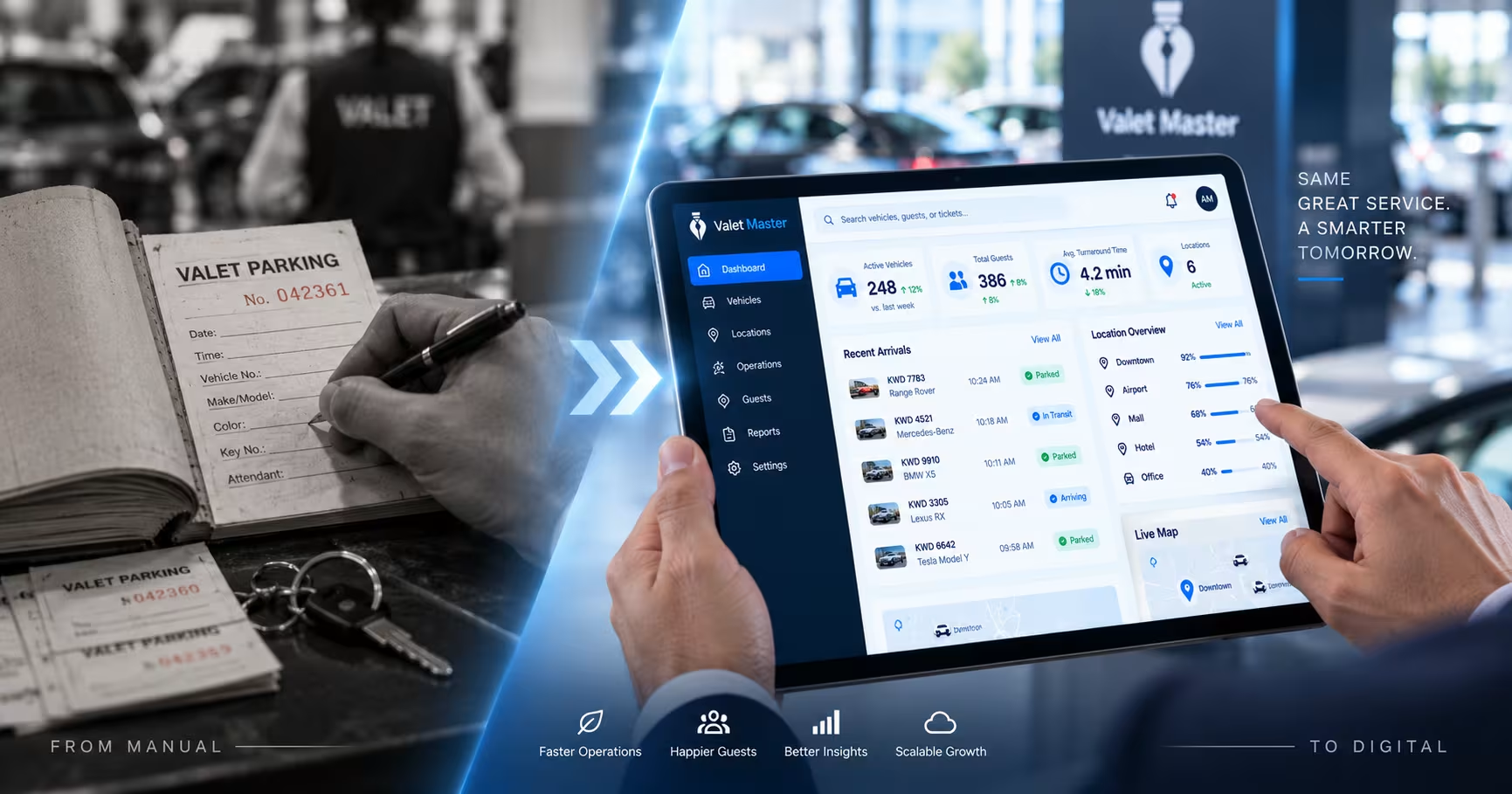
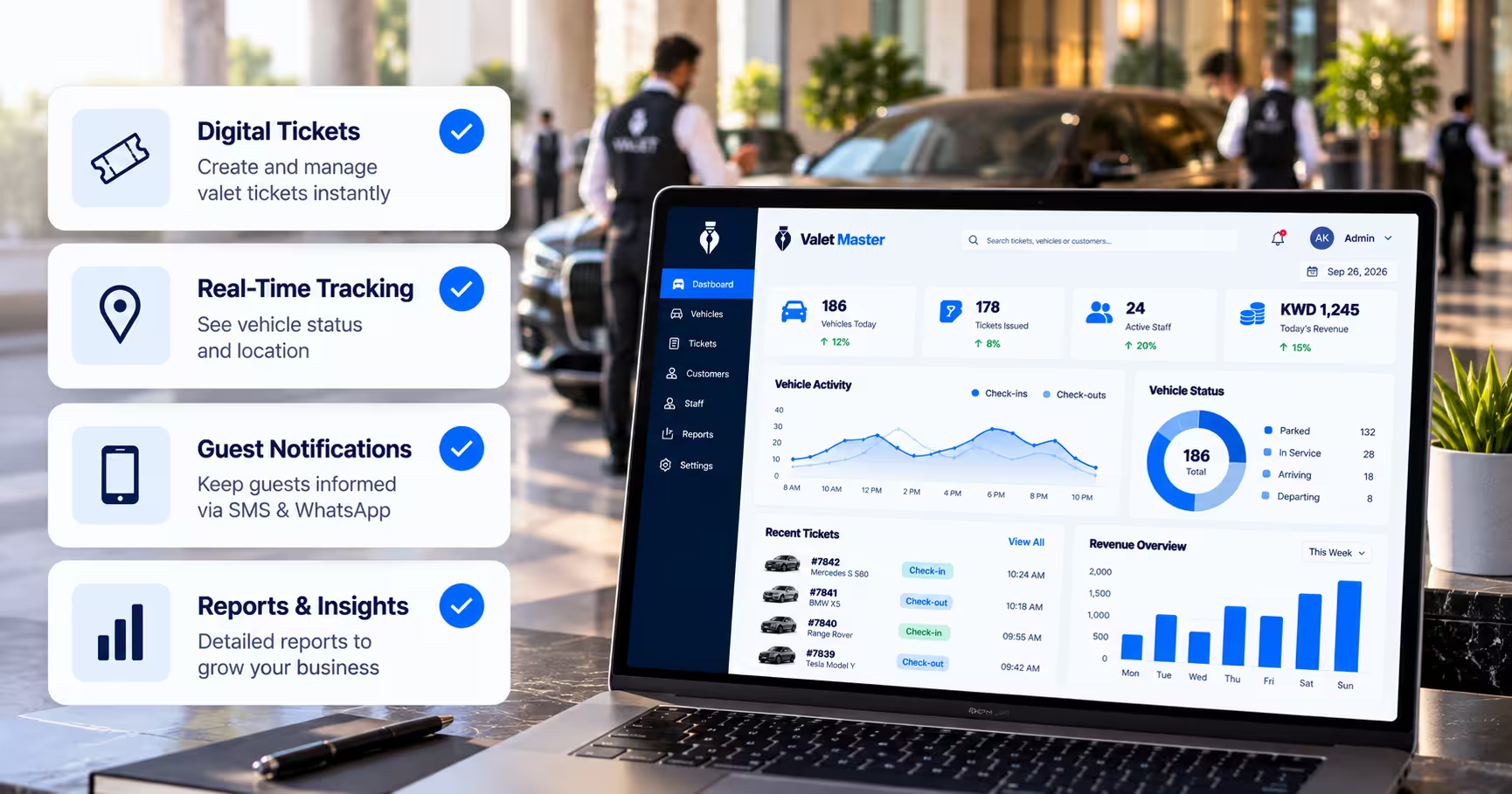
Choosing the right valet parking software is a decision that affects nearly every part of daily operations — how fast attendants can check in and retrieve cars, how much visibility managers have, and how consistent service stays across shifts or locations. With so many platforms claiming to modernize valet, it helps to have a clear framework for evaluating them rather than picking based on price or a flashy demo alone.
This buyer’s guide walks through exactly what to look for, question by question, so you can choose valet parking software that actually fits your operation.
Start with the Core Problem You’re Solving
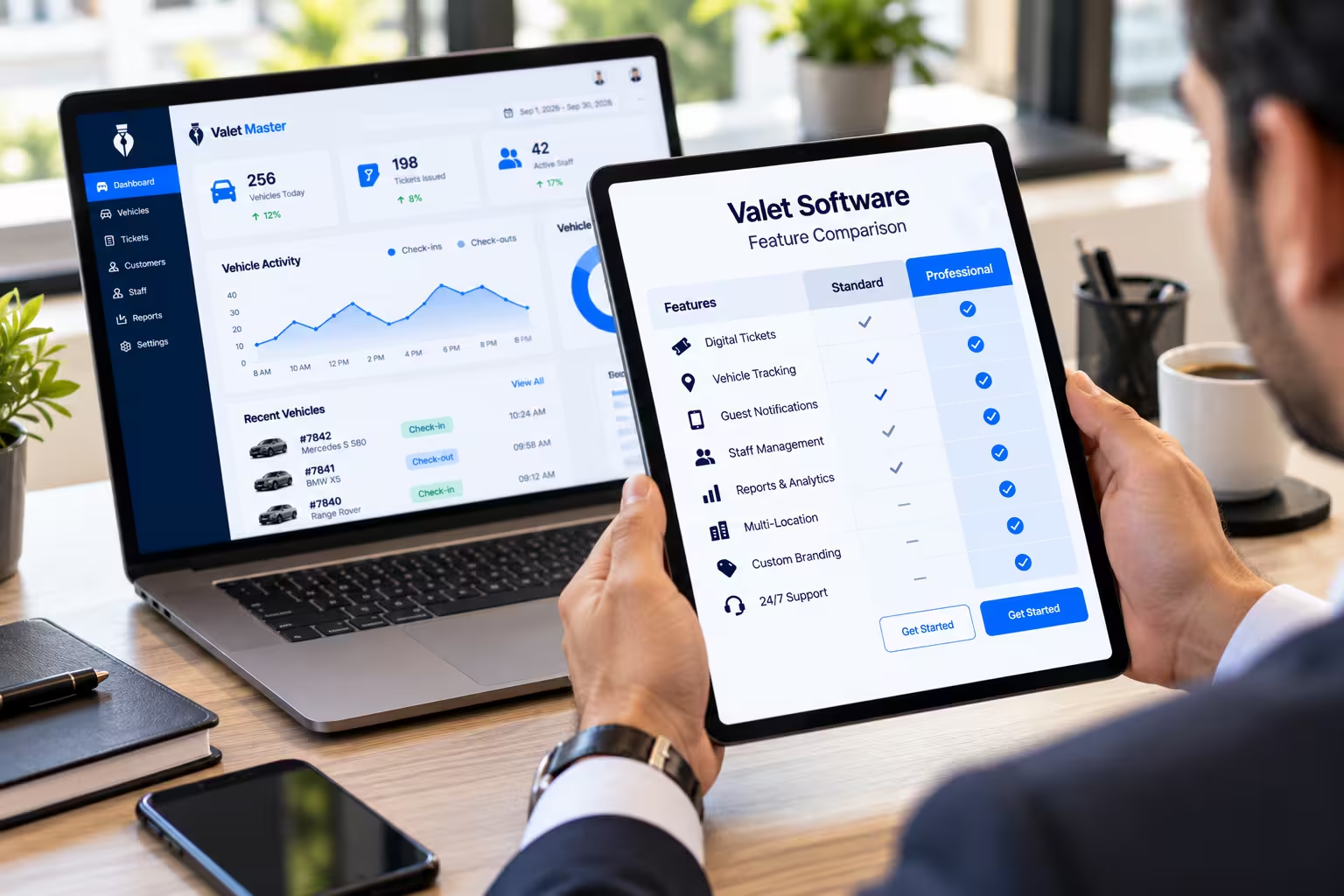
Before comparing features, it helps to be clear on what’s actually driving the search for valet parking software. Is it slow retrieval times? Lost paper tickets? No visibility across multiple locations? Vehicle damage disputes? Different platforms are stronger in different areas, and knowing your biggest pain point first makes comparing options far more effective.
Does It Offer Digital Ticketing and QR Codes?
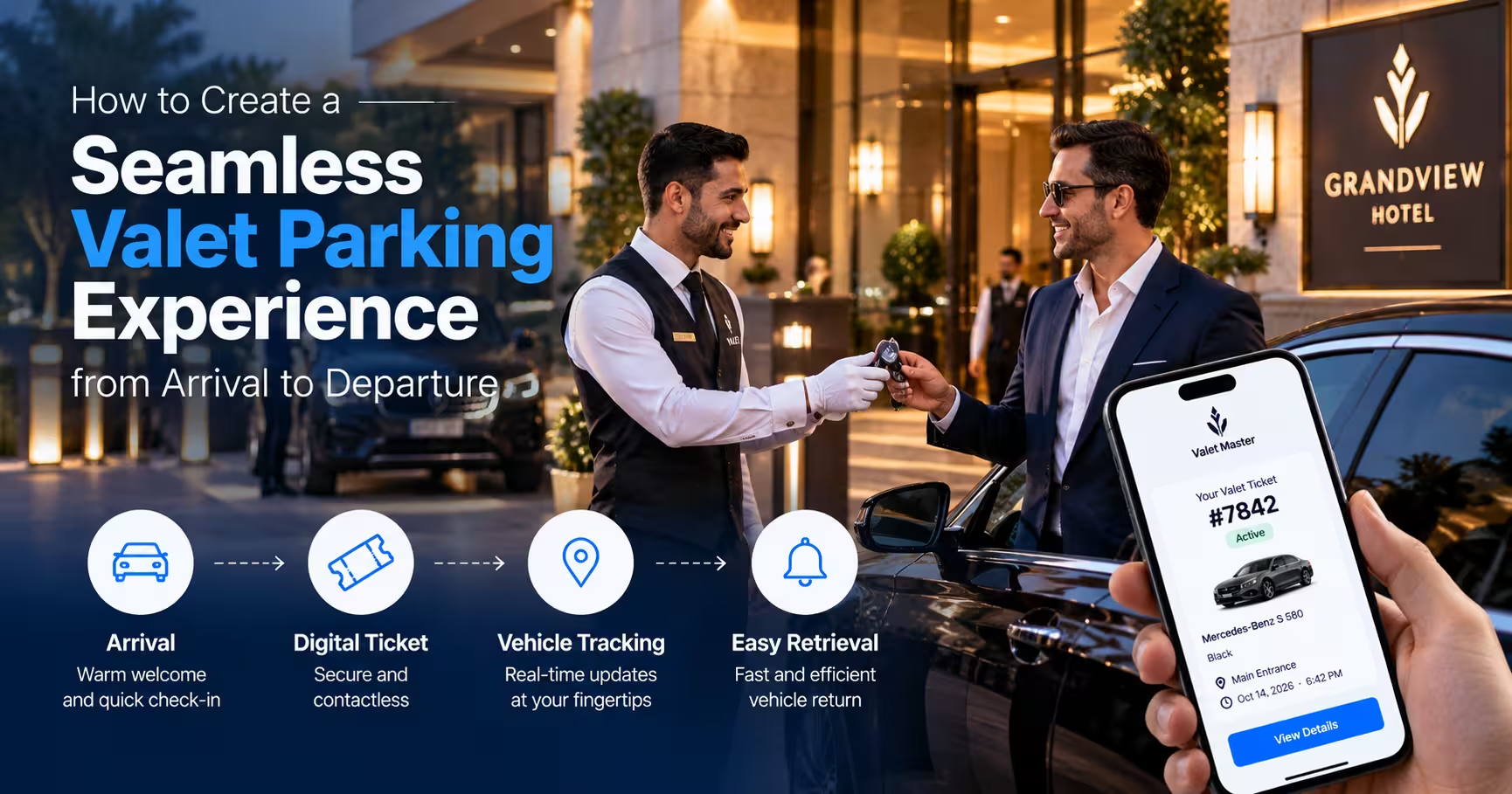
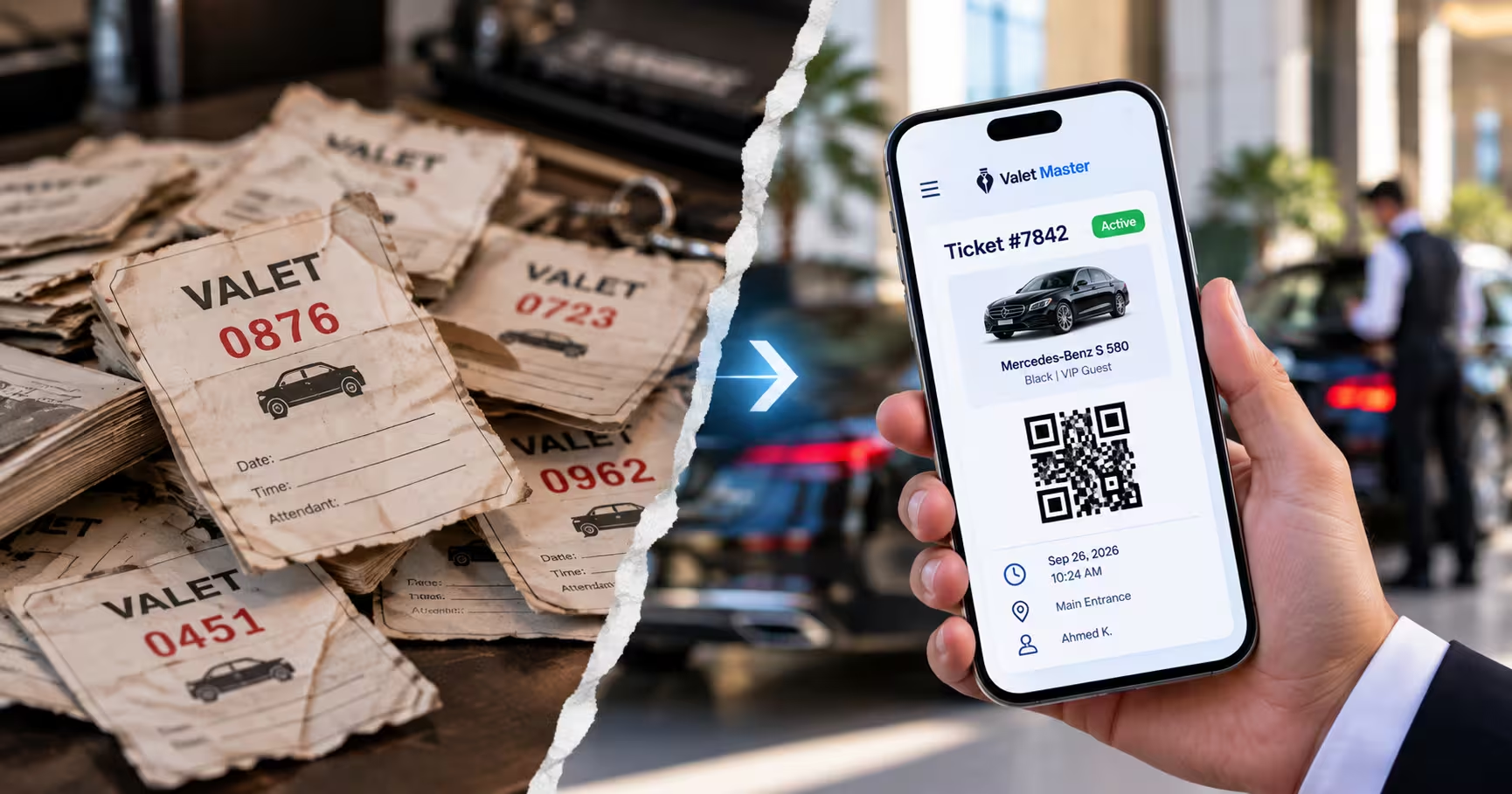
Digital ticketing with QR codes should be considered a baseline feature at this point, not a premium add-on. It removes the lost-ticket problem entirely and speeds up both check-in and retrieval verification. If a platform is still relying on printed paper stubs, that’s a sign it hasn’t fully modernized.
Can It Track Vehicles in Real Time?
Real-time parking zone tracking is one of the highest-impact features valet parking software can offer, since it directly determines how fast attendants can retrieve a car. Ask specifically how granular the tracking is — zone-level, row-level, or space-level — since more precision generally means faster retrieval.
Does It Include a Mobile App for Attendants?
A mobile app that lets attendants check in vehicles, view retrieval requests, and update status from anywhere on the lot is essential for modern valet operations. Software that still requires attendants to return to a fixed podium for every action will slow down exactly the moments where speed matters most.

Can Managers See Live Operations?
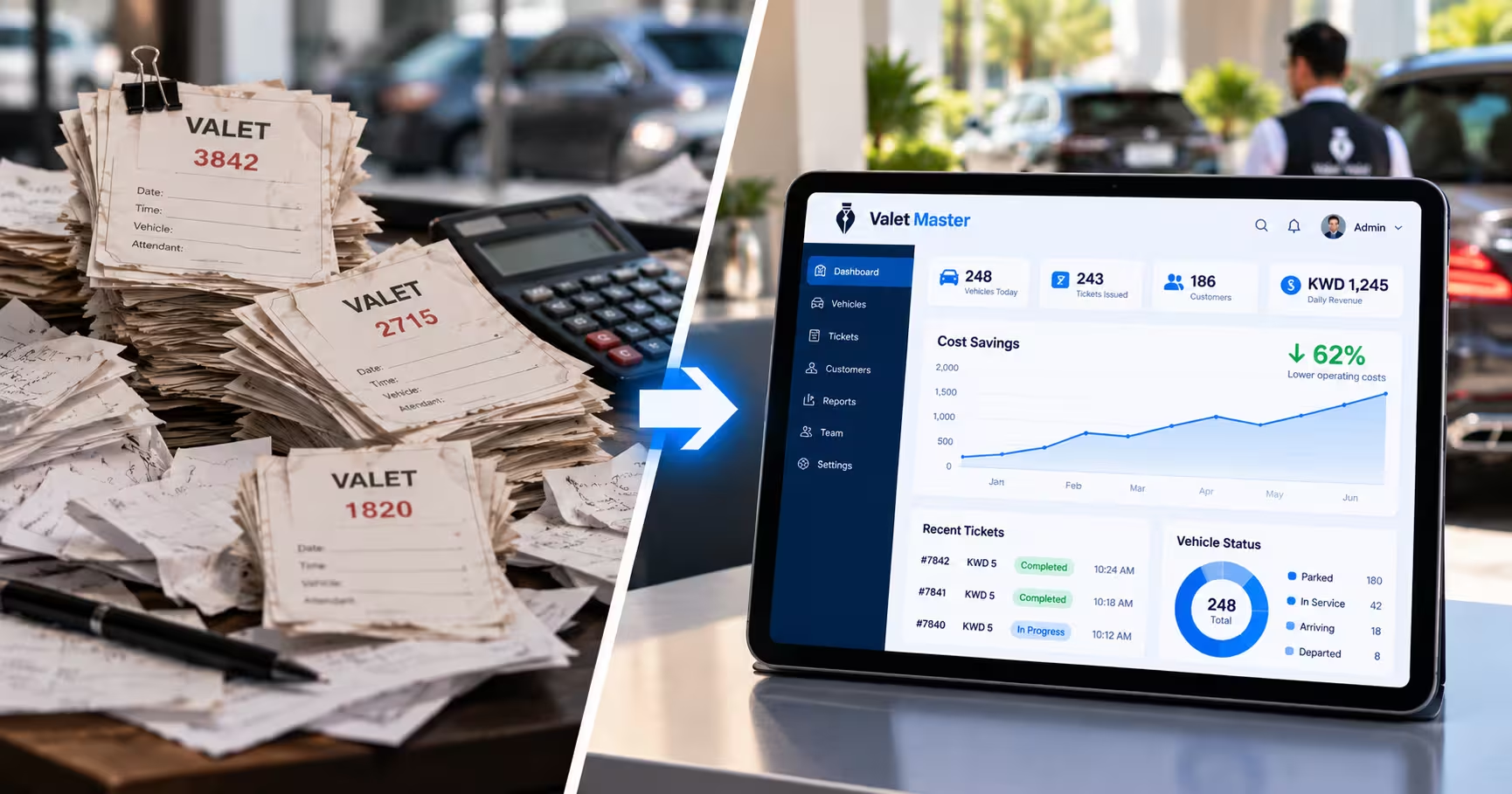
Look for live operations monitoring that gives managers a real-time view of vehicles, staff, and tickets, rather than a summary available only after a shift ends. This visibility is what allows managers to catch and fix bottlenecks as they happen, not after guests have already noticed.
Does It Track Vehicle Condition and History?
Digital vehicle management, with condition photos and notes logged at check-in, protects both the business and the guest in the event of a damage dispute. This feature matters most for businesses handling high volume or high-value vehicles, such as hotels and hospitals.
Does It Support Repeat Guest Recognition?
For businesses with frequent returning customers — hotels, restaurants, and especially residential properties — customer management that recognizes repeat visitors and their vehicle history adds a personal touch that standard, one-time-use systems can’t replicate.
Can It Handle Multiple Locations?
If you’re running valet at more than one property, or expect to in the future, multi-branch management is non-negotiable. Confirm the platform can genuinely centralize oversight across locations rather than requiring separate logins or disconnected reporting per site.
What Reporting and Analytics Does It Provide?
Ask to see actual sample reports, not just a features list. Strong reports and analytics should cover retrieval times, staff performance, and volume trends — the kind of data that actually supports staffing and operational decisions, not just a basic activity log.
Guidance from the International Parking & Mobility Institute similarly recommends evaluating parking technology on measurable operational outcomes — retrieval speed, staffing efficiency, data visibility — rather than feature count alone.
Is Everything Accessible from a Cloud Dashboard?
A centralized cloud dashboard should tie every feature together in one place, accessible from any device, rather than requiring separate tools for tracking, ticketing, and reporting.
How Easy Is It to Train New Staff On?
Valet teams, especially seasonal ones, deal with regular turnover. A platform that’s intuitive enough to train quickly saves real time and reduces onboarding friction, particularly during high-turnover periods when new staff need to be productive fast.
A Quick Evaluation Checklist
- Digital ticketing with QR codes — yes or no?
- Real-time vehicle tracking — how granular?
- Mobile app for attendants — full workflow or limited?
- Live operations visibility for managers — real-time or delayed?
- Vehicle condition records — photos and notes included?
- Repeat customer recognition — supported or not?
- Multi-location support — genuinely centralized?
- Reporting depth — actionable data or basic logs?
- Everything in one dashboard — or scattered tools?
- Training time — intuitive or complex?
See how a complete platform addresses each of these points on the solutions page.
Final Thoughts
Choosing valet parking software comes down to matching a platform’s actual capabilities to the specific problems your operation needs solved — not just picking whichever option has the longest features list. Walking through this checklist with any vendor you’re evaluating should make it clear fairly quickly whether their software is built for real operational impact or just a digital version of the same paper process.
Ready to see how Valet Master measures up? Request a free demo and explore the dashboard, digital ticketing, and live tracking features firsthand.